
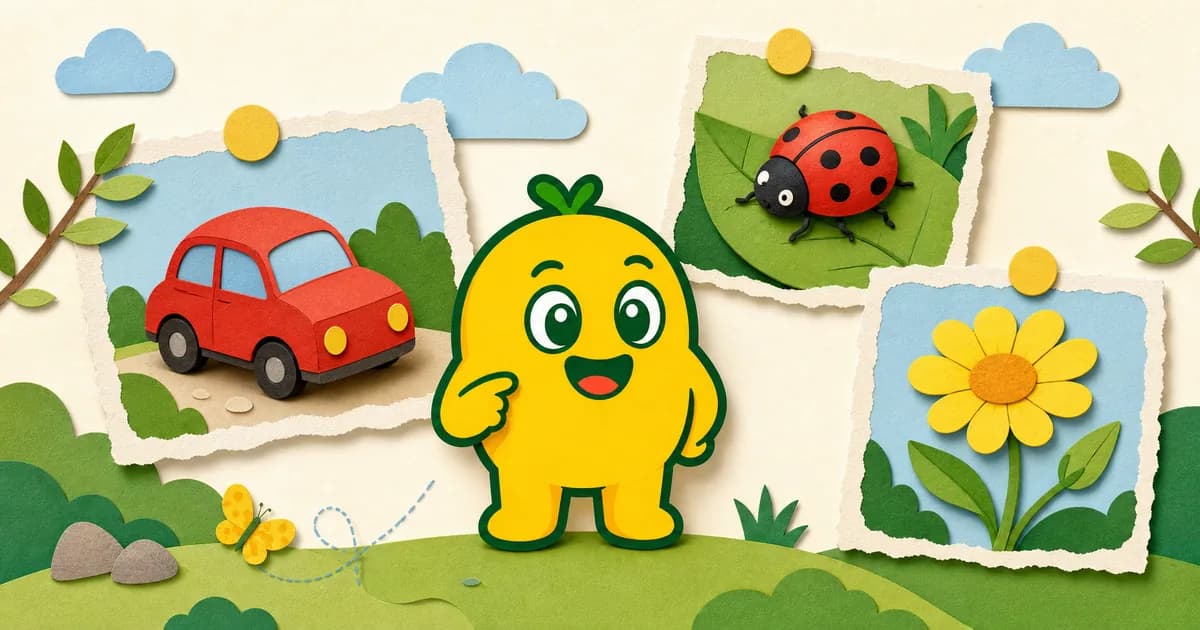
What are KORENANI's recognition modes?
KORENANI's recognition modes are three subject-specific ways to analyze a photo: General, Insect, and Plant. Choose General for everyday objects, Insect for insects, and Plant for flowers, leaves, trees, and garden plants.
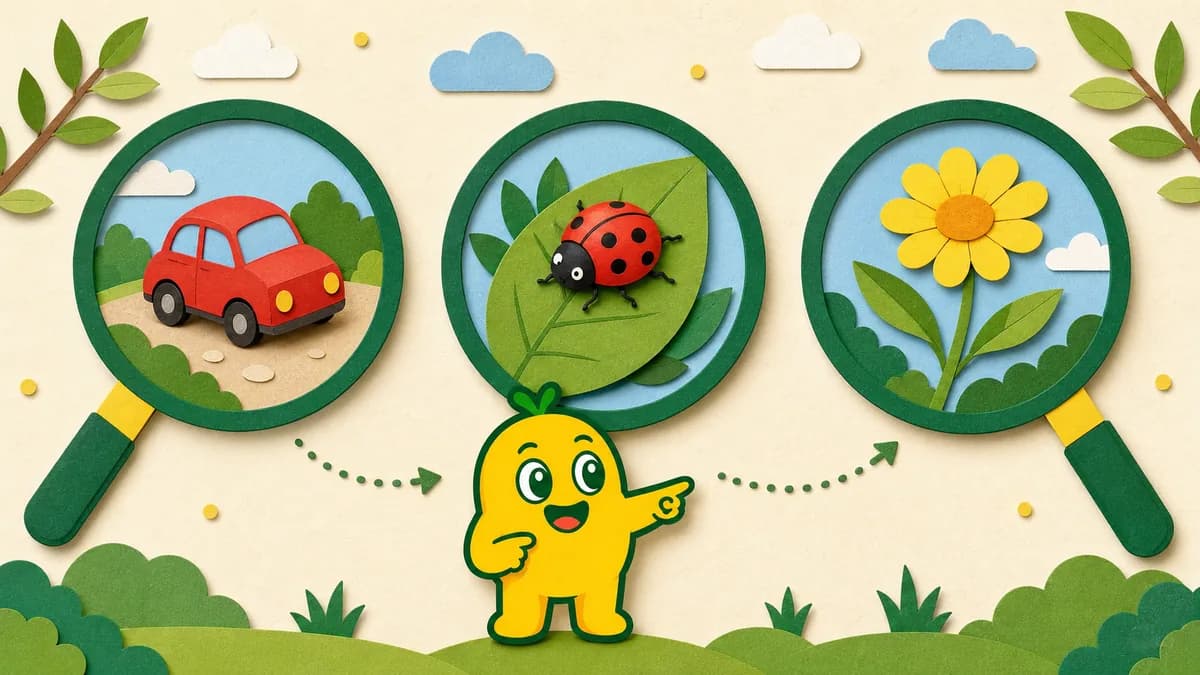
Pick the mode that matches the photo
KORENANI offers three recognition modes you can switch between depending on what you're pointing the camera at: General, Insect, and Plant. Each mode sends the photo through the recognition flow for that subject category. Choosing the matching mode can make the returned candidate easier to interpret, but it does not guarantee a correct or species-level answer.
| Mode | Best for | Quick decision rule |
|---|---|---|
| General | Toys, furniture, food, vehicles, buildings | Start here for indoor objects and human-made things |
| Insect | Butterflies, ants, beetles, ladybugs | Choose it for small moving insects |
| Plant | Flowers, leaves, trees, vegetable plants | Choose it for still, growing things |
General — for everyday objects
General mode is the all-rounder. Use it for the things kids encounter every day:
- Toys, household items, furniture, kitchen tools
- Food on the dinner table
- Vehicles and buildings spotted on a walk
- Anything that doesn't fit a more specific category
When you don't know what to choose, start here.
Insect — for the little creatures kids love
Insect mode is tuned for small living things you find in the garden or at the park.
- Butterflies and ladybugs in the backyard
- Ants and beetles crawling along the path
- Bugs your child wants to compare with the pictures in a guide
General mode may return a broad category such as "bug." Insect mode uses the insect-specific flow and may return a more specific candidate, but the result can still be broad or incorrect. Compare it with what was visible and another trusted source.
Plant — for flowers, leaves, and trees
Plant mode focuses on the still, growing things — flowers, leaves, trees, garden vegetables.
- Seasonal flowers spotted on a walk
- The leaves of a houseplant at home
- Vegetable plants on the balcony or in the yard
It gives families a plant-focused starting point for questions such as "what flower is that?" or "what kind of tree is this?" without replacing a trusted field guide or expert identification.
Quick rule of thumb
When in doubt, here's a simple way to choose:
- Indoor objects or human-made things → General
- Anything moving and small → Insect
- Anything still and growing from the ground → Plant
If a photo doesn't recognize cleanly the first time, try a different mode or move closer to the subject and snap again. A clearer crop often makes a big difference.
Read next
For more on what happens to the photo behind the scenes, read How Photo Data Flows During Image Recognition.