
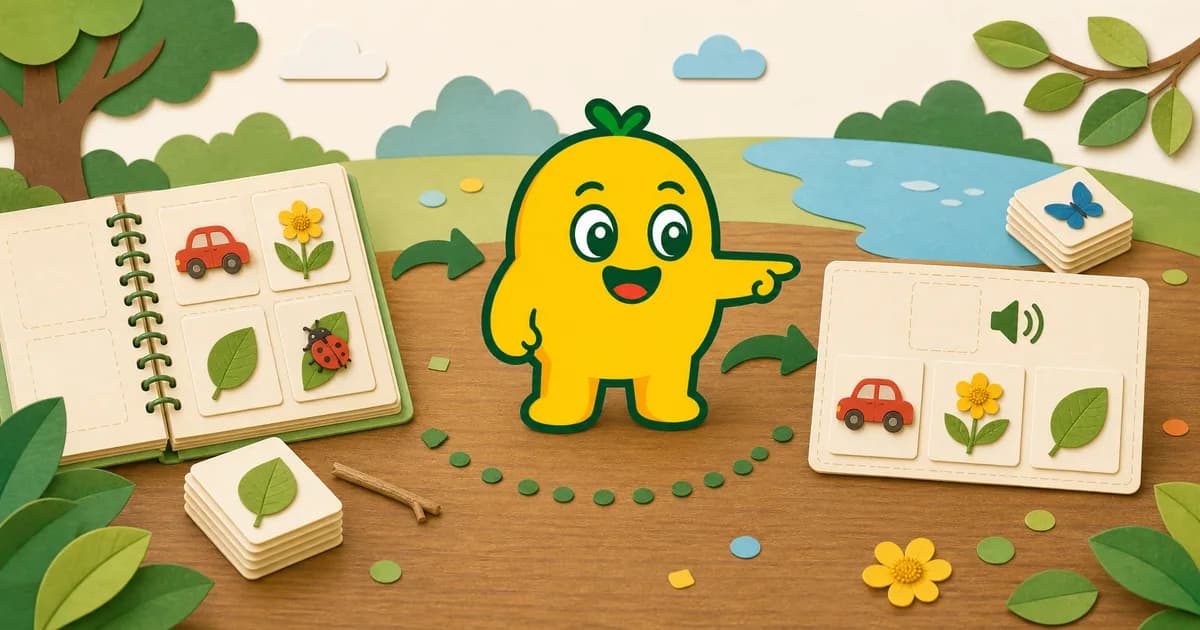
A discovery can continue after the photo
The moment a child asks “What is that?” may last only a few seconds. Saving selected photos gives families another chance to talk about the object, place, color, sound, or memory later. KORENANI organizes saved photos and recognition results into child-specific collections and albums.
When enough different discoveries are available, the same saved items can also become material for text or audio quizzes. Quizzes are an optional way to revisit the collection, not a test of intelligence or proof of learning.
What is saved in a collection?
In the save experience, a photo and its recognition information are associated with the parent account and the selected child profile. Families can keep discoveries for later, arrange them into albums, and delete individual items they no longer want.
Examples of album themes include:
- Things found on a neighborhood walk
- Flowers from one season
- Vehicles seen during a trip
- Objects from the kitchen or playroom
- Insects observed without handling them
An album can follow a place, day, season, or interest. It does not need to become a complete encyclopedia.
Keep each child's discoveries separate
One parent account can manage up to four child profiles. Collections, quiz progress, and achievements are separated by child profile, so siblings can keep different discoveries and revisit them at their own pace.
Use fictional or non-identifying profile information where appropriate, and keep account and settings actions with the parent or guardian.
Three ways to revisit saved photos
1. Browse and talk
Open an album and ask questions that do not depend on remembering an exact name:
- Where did we find this?
- What color or shape did you notice?
- Was it moving or still?
- Have we seen something similar since then?
2. Listen again
KORENANI supports read-aloud audio in nine languages. Listen in a familiar language, then choose another only if your child remains interested. Audio is a way to revisit a label, not a guarantee of language-learning results.
3. Try a text or audio quiz
KORENANI implements both text and audio quiz modes using saved recognized objects. A quiz becomes useful after a collection contains different discoveries. If your child does not feel like answering, return to browsing the photos instead.
Collection and quiz flow
| Stage | Family action | Product feature |
|---|---|---|
| Discover | Notice and photograph one subject | General, Plant, or Insect recognition |
| Save | Choose a result worth keeping | Child-specific collection |
| Organize | Group related discoveries | Albums |
| Revisit | Browse, listen, or compare | Photos and nine-language audio |
| Quiz | Choose an optional way to review | Text or audio quiz |
Progress features without pressure
KORENANI includes achievements, activity streaks based on saved discoveries, quiz-answer streaks, XP, and levels. These features can make returning to the app feel playful, but they should not become a reason to photograph unsafe subjects, interrupt family time, or compare children.
The product currently implements 17 achievement keys. Because achievement conditions may change as the app evolves, use the in-app descriptions as the current guide.
Privacy and deletion
Saved photos are managed with the parent account and child profile. Individual item deletion and account deletion are implemented, but this guide does not promise immediate or irreversible deletion timing. For the current data flow, read How Photo Data Flows During Image Recognition and Camera, Photo Permissions, and Deletion Controls.
A gentle weekly routine
Choose five minutes when the family is already relaxed. Let the child pick one album, look at two or three photos, and decide whether to listen or try a quiz. Stop while the activity is still enjoyable. A collection remains useful even when no quiz is completed.
Read next
Learn How Kids Can Learn Object Names from Photos, or create a new set of discoveries with Turn a Family Walk into a Personal Field Guide.