
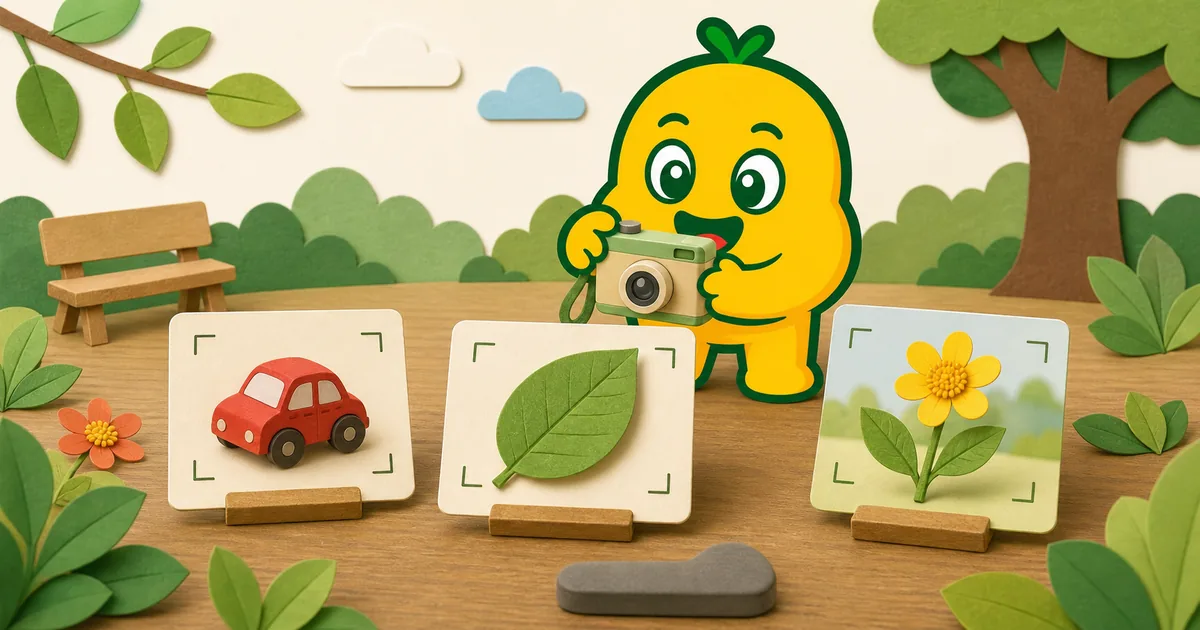
Give the photo one clear subject
Image recognition starts with what is visible in the frame. When a toy, leaf, hand, table, and window all take up similar space, it may be unclear which object matters. A good first step is simply to decide: “What are we taking a picture of?”
Clearer photos can make a result more useful, but they do not guarantee accuracy. KORENANI recognition should support family conversation and exploration, not medical, food, or safety decisions.
Six camera habits to try
1. Photograph one main subject
Place one toy, household object, leaf, flower, or insect at the center of attention. Other objects can remain in the background, but they should not cover the subject or compete with it.
2. Move closer without cropping
The subject should fill a useful part of the frame while remaining fully visible. A tiny object in a wide room can be hard to inspect. A close-up that cuts off important parts can be equally confusing.
For flowers, keep the petals and center visible. For insects, keep the whole body when possible. For toys and household objects, include the shape that makes the object recognizable.
3. Check the background
A plain floor, wall, table, grass, or sky can separate the subject from its surroundings. If the background is busy, change your angle instead of moving the object—especially when observing plants or insects.
4. Look for even light
Very dark shadows can hide shape and color. Strong light directly behind a subject can also make it appear dark. Move to open shade, turn slightly, or use indoor light that falls across the object. Avoid flash near animals or people.
5. Hold still and check focus
Use two hands and pause briefly before pressing the shutter. If the subject is blurry, step back a little and try again. With a moving insect or vehicle, prioritize a sharp wider image over a very close blurry one.
6. Match the recognition mode
Use General for everyday objects, Plant for flowers and leaves, and Insect for insects. The right mode gives the service the correct type of question to consider.
Read General, Insect, and Plant Recognition Modes for examples.
Quick photo check
| Question | A useful photo usually shows |
|---|---|
| What is the subject? | One object is visually dominant |
| Is it large enough? | Details can be seen without cropping key parts |
| Is it separated? | The background does not cover or mimic the subject |
| Is it bright enough? | Shape and color remain visible |
| Is it sharp? | Edges are clearer than the surrounding area |
| Is the mode right? | General, Plant, or Insect matches the subject |
When a second photo helps
Take another photo when the first is blurry, heavily backlit, or hides an important side. A second angle can be useful for a toy with a distinctive shape, a leaf with a visible edge, or a flower connected to a stem.
Do not take repeated photos when doing so would disturb an insect, damage a plant, block a path, or keep your child near an unsafe location. It is fine to leave a discovery unidentified.
If the answer still looks unrelated
Recognition services can make mistakes even with a clear image. Compare the result with the original subject, try the correct mode, and consult a trusted field guide or knowledgeable person when an exact identification matters.
Follow the steps in What to Do When an Image Recognition Result Looks Wrong.
Read next
For a subject-specific example, read How to Photograph Flowers for Image Recognition or A Parent-Child Guide to Observing Insects.