
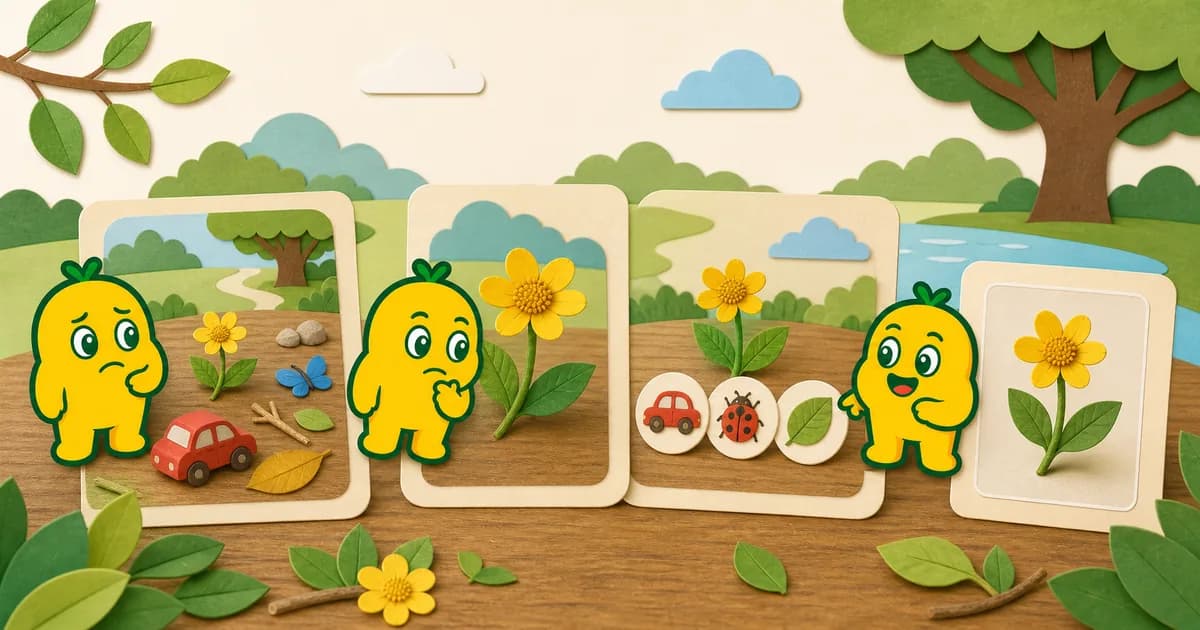
Recognition is a starting point, not a guarantee
An image recognition result may be too broad, unrelated, or more specific than the photo supports. This can happen when the subject is small, blurry, partly hidden, mixed with other objects, or sent through a recognition mode that does not match it. Recognition services can also make mistakes with a clear photo.
When the result looks wrong, you do not need to persuade the app to return a particular answer. Review the photo once, try a small number of safe changes, and use another reliable source when exact identification matters.
First, compare the result with what you saw
Ask simple questions before taking another photo:
- Does the color and shape resemble the subject?
- Is the answer very broad, or unexpectedly specific?
- Was the main subject fully visible?
- Did another object take up more of the frame?
- Did you choose General, Plant, or Insect for the correct subject type?
This is also a useful moment to tell a child that digital tools can be uncertain. “Let’s look again” is a complete and honest response.
A four-step retry checklist
1. Make one subject clearer
Move closer without cropping important parts. Change position so the subject does not overlap with a hand, branch, toy, or another plant. If the subject is blurry, hold the camera still and take one more photo.
How to Take Clearer Photos for Image Recognition has a full photo checklist.
2. Try another angle
Some objects have a shape that is easier to understand from the side or front. A leaf may show its edge, a toy may show its wheels, and a flower may show how the petals connect to the center. Do not move, pick, or handle a living subject just to obtain another angle.
3. Confirm the recognition mode
Use General for everyday objects, Plant for flowers, leaves, and trees, and Insect for insects. Switching modes is useful only when the subject belongs in another category—not as a way to keep searching for the answer you expect.
4. Stop after a small number of useful attempts
If a second clear photo and the correct mode still produce unrelated results, save the observation without a final identification or consult a trusted field guide, nature center, teacher, or knowledgeable adult. Leaving something unnamed is better than presenting an uncertain label as fact.
Situations where you should not rely on recognition
Do not use an image result to decide:
- Whether a plant, mushroom, fruit, or insect is safe to eat or touch
- Whether a bite, sting, rash, or other symptom needs treatment
- Whether an animal or location is safe to approach
- Whether a product or object is suitable for a child
For health or safety concerns, move away from the hazard and contact an appropriate adult or qualified professional.
Help children respond to uncertainty
Instead of saying “the app is right” or “the app is broken,” try language that leaves room to investigate:
- “This is one possible clue.”
- “The photo may not show enough detail.”
- “Let’s compare it with a field guide.”
- “We can keep the photo even if we do not know the exact name.”
This keeps the focus on observation and comparison rather than getting a particular answer.
What happens to a recognition photo
Photos are sent to the KORENANI API and, depending on the selected mode, to an external recognition service for processing. If your family saves the result, the photo and related information are managed with the parent account and child profile. Read How Photo Data Flows During Image Recognition for the current explanation.
Read next
Review General, Insect, and Plant Recognition Modes or try the subject-specific tips in How to Photograph Flowers for Image Recognition.