
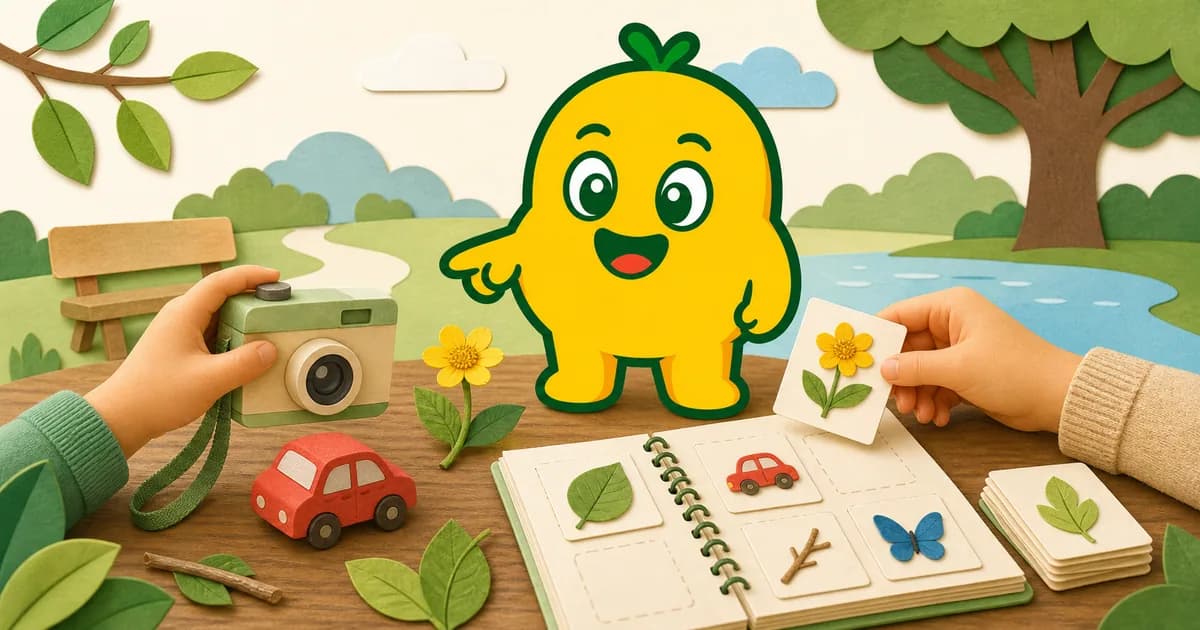
What is an object-name learning app for kids?
An object-name learning app for kids helps children connect real things they see with names, short explanations, and audio. KORENANI does this from everyday photos with general, plant, and insect recognition modes plus spoken labels in nine languages.
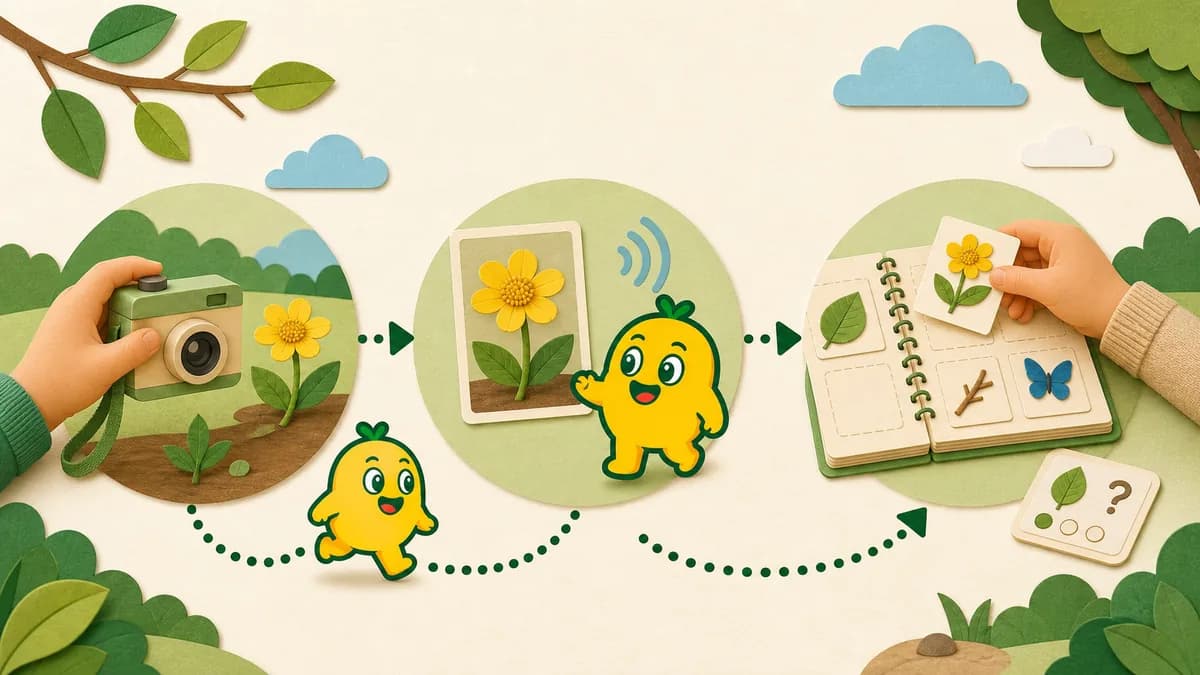
"What is this?" — a moment to look together
When a child points at something and asks "What is this?", they are already looking closely and showing interest. That makes it a useful moment to name what is visible, describe one feature, and continue the conversation without turning the discovery into a test.
KORENANI is built for exactly that moment. It's an image-recognition learning app made for children: snap a photo of whatever caught their eye, and the app gives back the name, a short description, and audio so they can also hear how it sounds.
What photos add to the conversation
Photos, flashcards, and printed guides support different family activities:
| Learning method | What it is good for | How families can use it |
|---|---|---|
| Photo-based learning | Connecting a real object to a name in the moment | Use walks, errands, and meals as vocabulary moments |
| Flashcards | Repeating a fixed set of words | Review a theme after the child has met the objects |
| Picture books or guides | Comparing related items side by side | Look up a recognized name later for more detail |
- They can follow the child's interest. The subject is something they noticed that day, rather than a fixed deck.
- They preserve context. A family can return to "the flower from the park" or "the vegetable from dinner" alongside the label.
- They invite conversation. A result gives the family something to compare with the original object and another trusted source.
Because KORENANI provides audio as well as text, a child who does not yet read can still hear the label and short description. Hearing it does not guarantee vocabulary or memory outcomes; it is one way to revisit the discovery together.
Who it's for
The App Store lists KORENANI at age 4+. Product materials and the Terms describe use with a parent or guardian involved, especially for photography, settings, external links, and purchases.
- A younger child can point to a subject while a parent handles the camera and confirms what will be saved.
- A child who is comfortable choosing subjects can lead the observation while the parent continues to manage account and settings actions.
Use should be adjusted to the individual child and the family's rules rather than a promise tied to a particular age band.
Practical tips for family use
- Carry the habit into walks, errands, and meal prep — the world is the curriculum.
- Look back through saved items later and describe what was visible or where it was found.
- Try the same photo in another language to compare how the same word sounds in two cultures.
What you point the camera at — and what you choose to save — is up to your family. For more on how photos are handled, read How Photo Data Flows During Image Recognition.
Read next
To get the most out of each shot, see General, Insect, and Plant Recognition Modes. To compare what each plan offers, see KORENANI Plans and Monthly Quotas.